iLS Advisory

iLS Advisory

by CCEI ADMIN -
Number of replies: 0

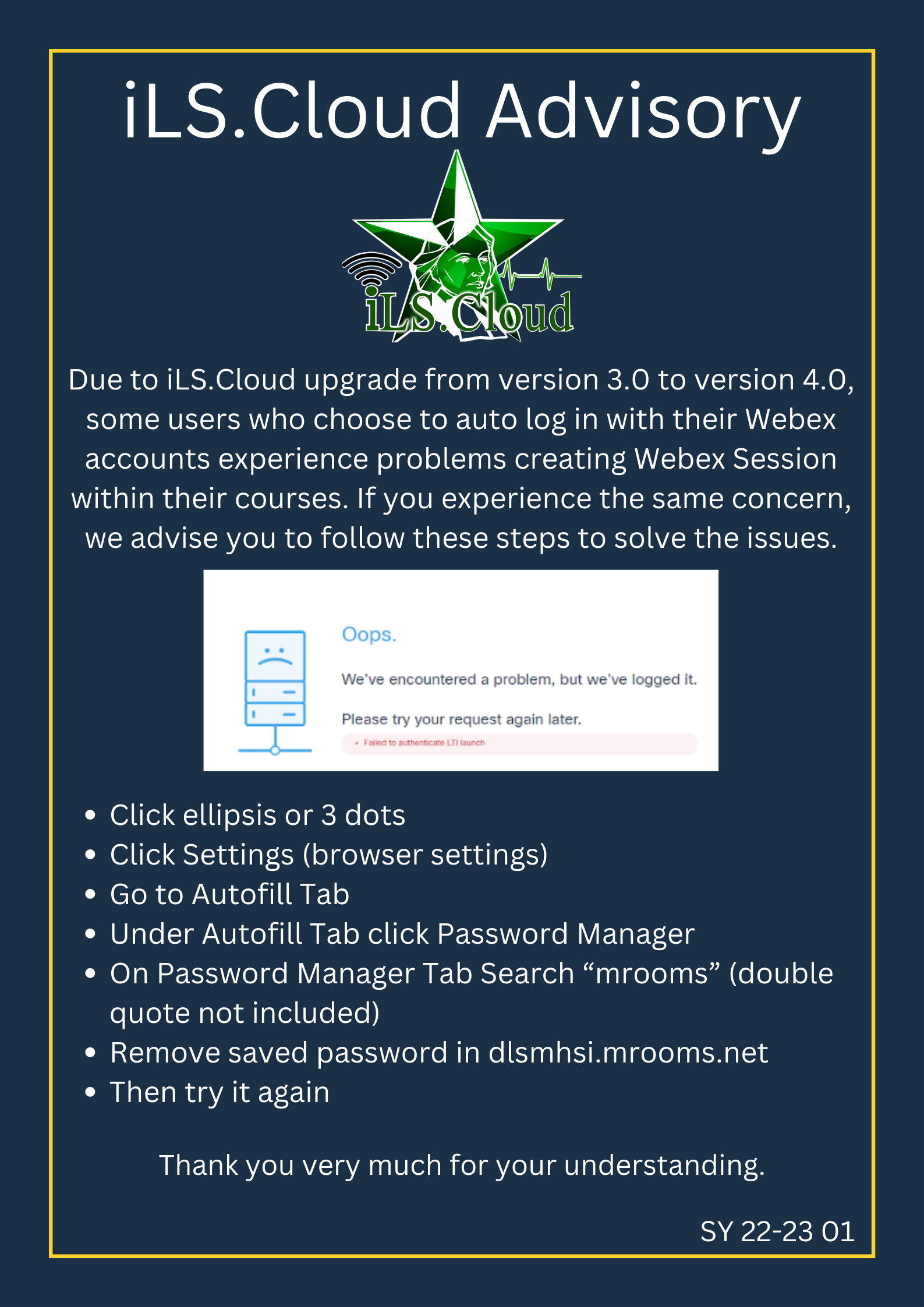
Please follow the steps below.


  • Click ellipsis or 3 dots

  • Click Settings (browser settings)

  • Go to Autofill Tab

  • Under Autofill Tab click Password Manager

  • On Password Manager Tab Search “mrooms” (double quote not included)
    Remove saved password in dlsmhsi.mrooms.net

  • Then try it again


Thanks!


Attachment iLS.Cloud Notification (1).png
Accessibility

Background Colour Background Colour

Font Face Font Face

Font Kerning Font Kerning

Font Size Font Size

1

Image Visibility Image Visibility

Letter Spacing Letter Spacing

0

Line Height Line Height

1.2

Link Highlight Link Highlight

Text Colour Text Colour